Remitting and filing your GST/HST with the CRA using monthly and annual summaries
As a Hopp driver, you’re responsible for tracking, remitting, and filing your own GST/HST with the Canada Revenue Agency (CRA). This data is available in your Hopp account and can assist you in preparing to submit your returns.
To file your return online with the CRA, you’ll need to know the GST/HST you collected from passengers and the GST/HST you paid on eligible business expenses related to your ridesharing activities throughout the reporting period. This guide will walk you through how to use your Hopp-provided summaries to support that calculation and complete your filing.
Downloading your summaries
The amount of consideration for the supply of services and the GST/HST you have collected while using Hopp can be found in your Monthly and Annual Summaries.
Important notes:
- These summaries do not replace your tax return(s) and are not official invoices or tax documents. You remain responsible for completing your tax return(s) with the CRA as well as maintaining appropriate records and documentation in accordance with applicable local laws and regulations.
- Canada’s digital platform reporting rules are separate from GST/HST filing. Under those rules, platforms may collect and report certain seller information to the CRA annually, but this does not replace your own tax return obligations.
- For more information about GST/HST and Commercial Ride-sharing Services, please refer to the CRA's guidance here ↗.
These documents can be found in the Driver Portal. To locate and download these summaries please follow the steps below:
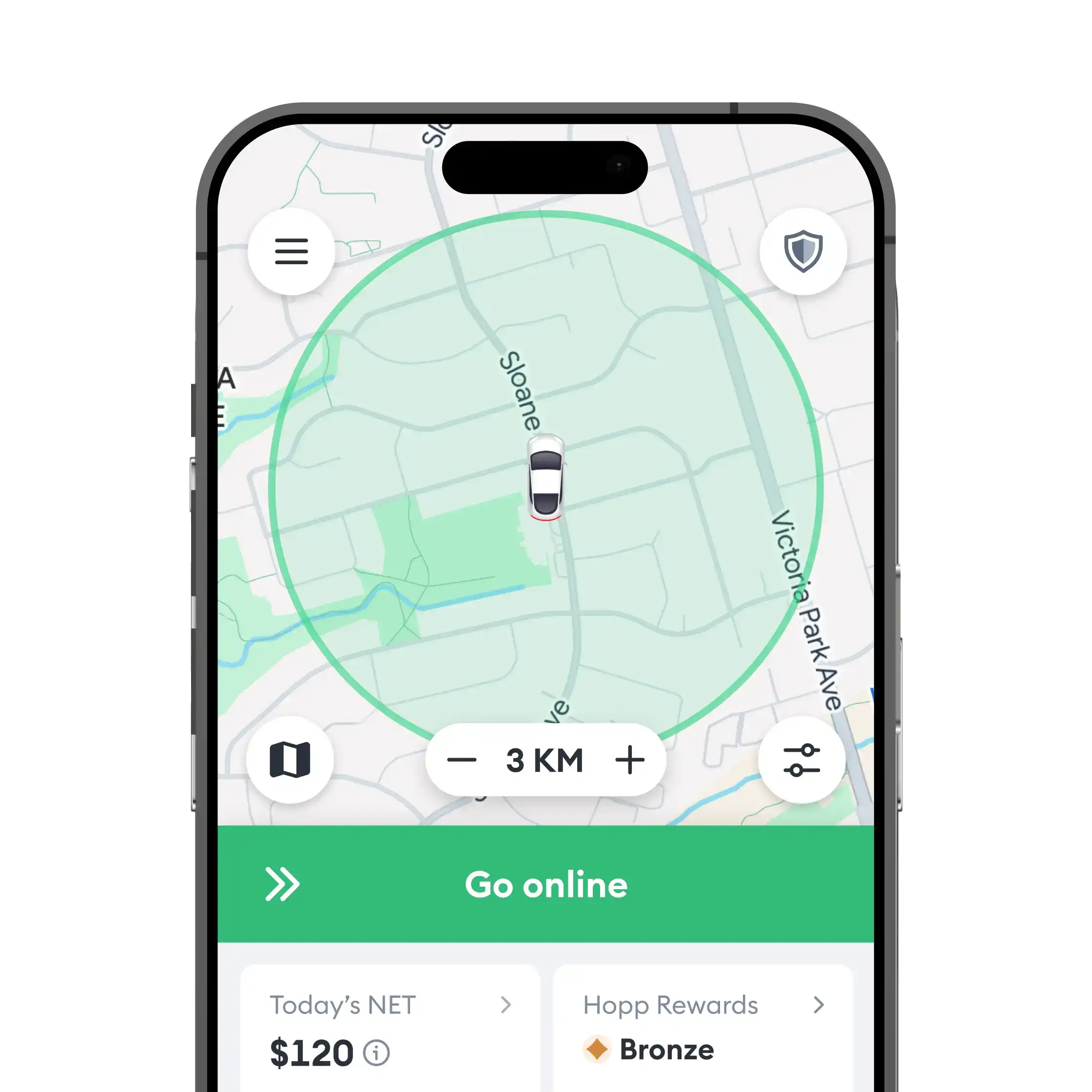
- Open the Hopp Driver app and tap the menu (top left). Select Driver Portal at the bottom of the list below Settings.
- Inside the Driver Portal menu, select Monthly Summaries or Annual Summaries.
Opening the Driver Portal menu ↗
Select monthly or annual summaries ↗
- Download the reports for your filing period.
If a specific month won’t download, it likely means no trips were completed during that period.
Reading your summaries
Your Monthly and Annual Summaries bring together all your activity while using Hopp for the given period into one clear overview. You can think of it as a combined summary of all your ride and commission invoices carried out through the platform.
For a specific period, it shows:
- the fare breakdown from trips
- fees paid to Hopp
- GST/HST collected from passengers
- GST/HST paid to Hopp
The summaries include all trips completed in the period, even if payments were received later.
The amount of GST/HST collected from passengers is located under the GST/HST Summary section as GST/HST collected from passengers.
The GST/HST that you have paid on Hopp fees is located just below in the same section as GST/HST paid to Hopp.
Need expert advice? Tax laws can be complex. We highly recommend consulting a tax professional to ensure you are claiming all eligible business expenses and filing correctly.
Need to update your info? Check here to update your tax number on file or register a new GST/HST number.
These reports are for summary purposes only. They do not replace your obligation to keep your own records and meet your own income tax and GST/HST filing obligations. Hopp provides this data for your information; it isn't formal tax advice or proof of employment.
For further information, please contact a qualified tax professional.
Be your own boss. Start driving and earning!